![1512632091642-p-500.png]](https://help.consignorconnect.com/hs-fs/hubfs/1512632091642-p-500.png?width=131&height=50&name=1512632091642-p-500.png)
Getting Started
Setting Up Your Vendor Login Portal
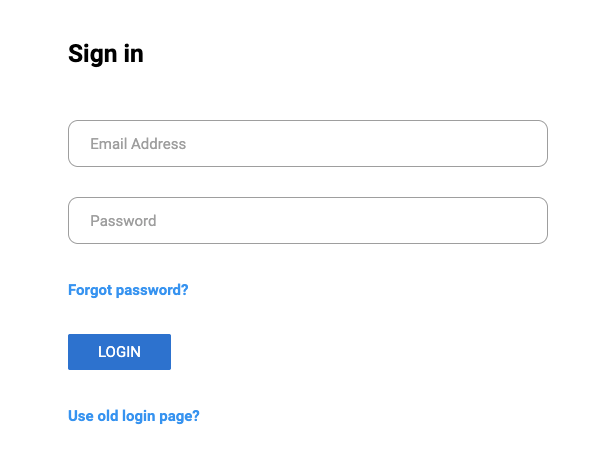
- Log in to the consignor/vendor portal https://portal.consignorconnect.com/app
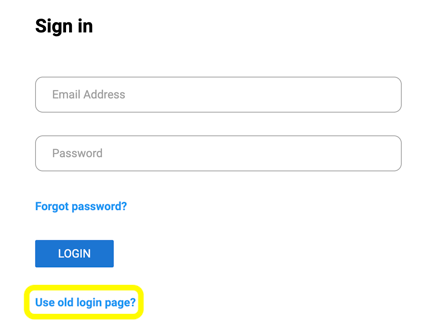
- If a First-time User, use the following steps and click “Use Old Login Page?”
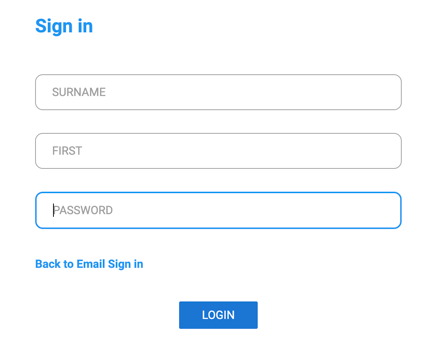
- Type in your Last Name (surname), First Name, and your Rose account number (password).
- Go to My Account and Update/Verify your Account Information (email address, contact information, and vendor status).
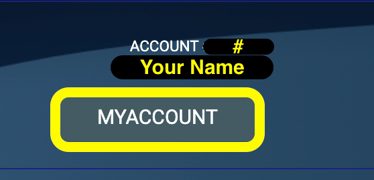
- If you are a Vendor, verify your Account Type = “Vendor”. If not, reach out to your owner/administrator to update your account type to vendor.
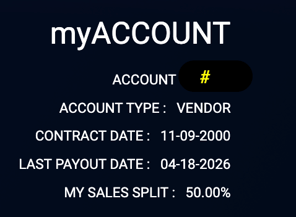
- Click on My Account and navigate to Contact Details to update your email address and password, then Save Changes. This allows you to log in to the main Portal with email and password.
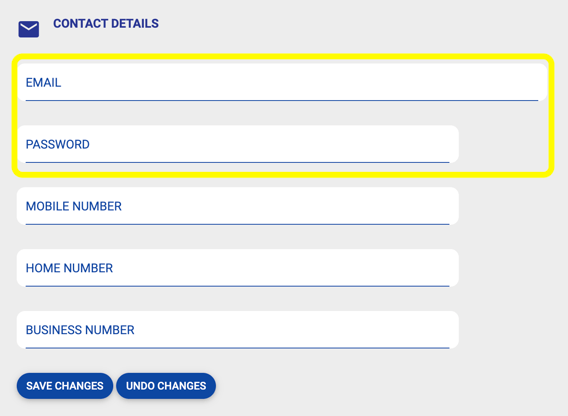
- Log Out and test your email login credentials on email sign in page.