![1512632091642-p-500.png]](https://help.consignorconnect.com/hs-fs/hubfs/1512632091642-p-500.png?width=131&height=50&name=1512632091642-p-500.png)
Still on Classic Rose? See the Classic Rose steps.
For consignors and vendors
Good to know: Use the email your store has on file for you. An inactive account can't sign in. Contact your store.
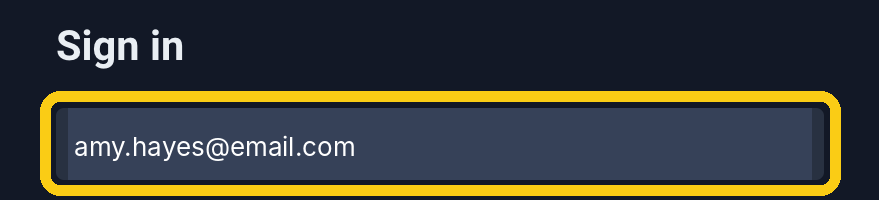
1. Type your Email Address
Click in the top box and type your email.
2. Type your Password
The dots hide what you type. Click the eye on the right to see it.

3. Check Keep me signed in on this device
Untick it if you are on a shared computer.

4. Click Login
Your myPortal account opens.

Other ways to sign in
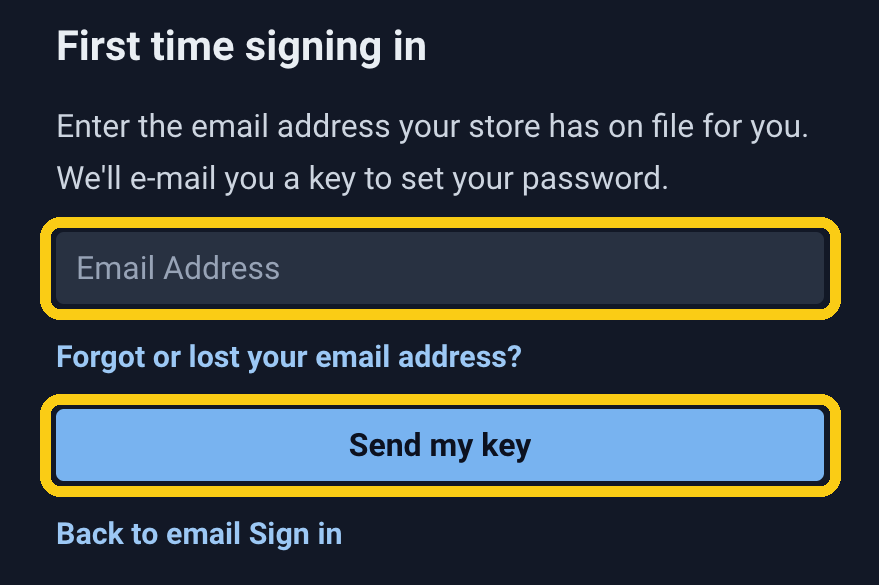
First time signing in?
Click First time user login? on the sign-in page. Type the email address your store has on file for you, then click Send my key. We'll email you a key to set your password.
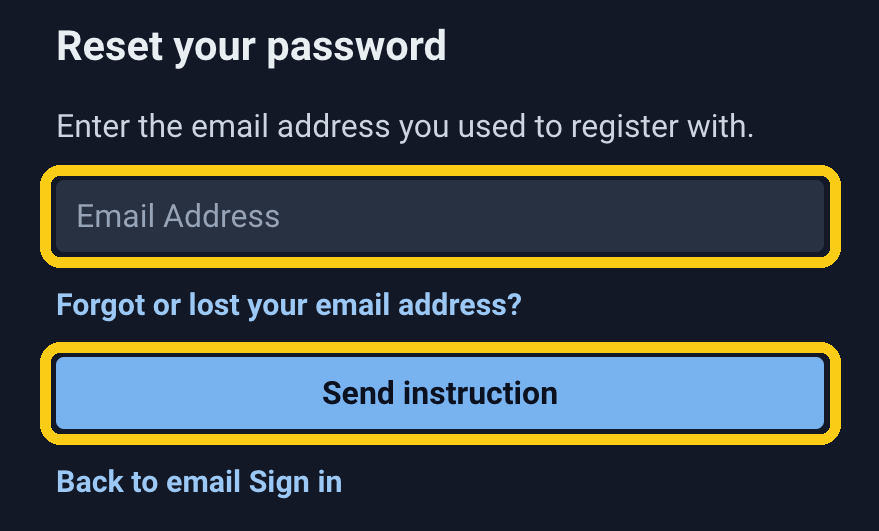
Forgot your password?
Click Forgot password? on the sign-in page. Type the email address you registered with, then click Send instruction.
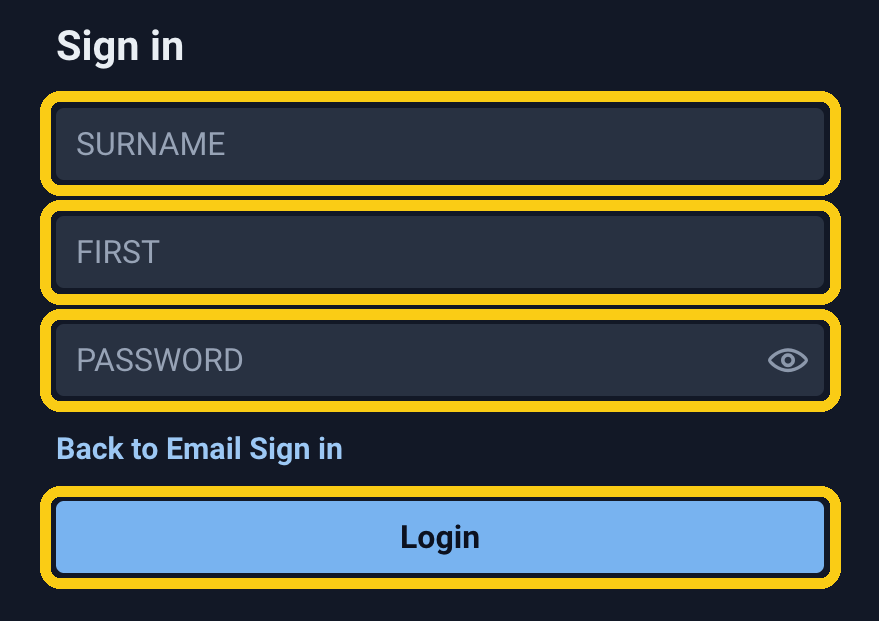
Signing in with your name instead?
Click Use old login page? on the sign-in page. Type your SURNAME (last name), FIRST name and PASSWORD, then click Login. To go back, click Back to Email Sign in.
Other links
Have a reset key? Click it on the sign-in page if you already have a reset key.
Still can't get in? Contact the store you consign with.