![1512632091642-p-500.png]](https://help.consignorconnect.com/hs-fs/hubfs/1512632091642-p-500.png?width=131&height=50&name=1512632091642-p-500.png)
For store owners and staff
Good to know: Use the email address your Rose user account was set up with. Your store's admin can add users in User Maintenance.
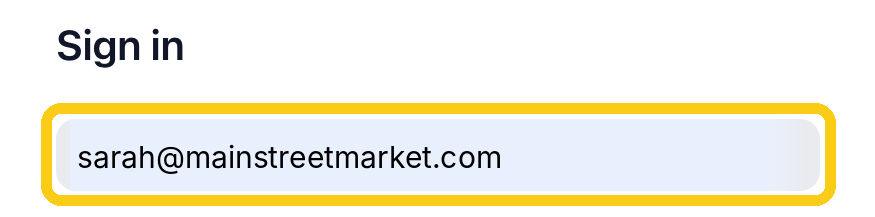
1. Type your Email Address
Click in the top box and type the email you use for Rose.
2. Type your Password
The dots hide what you type. Click the eye on the right to see it.

3. Click Login
Your Dashboard opens.

Other ways to sign in
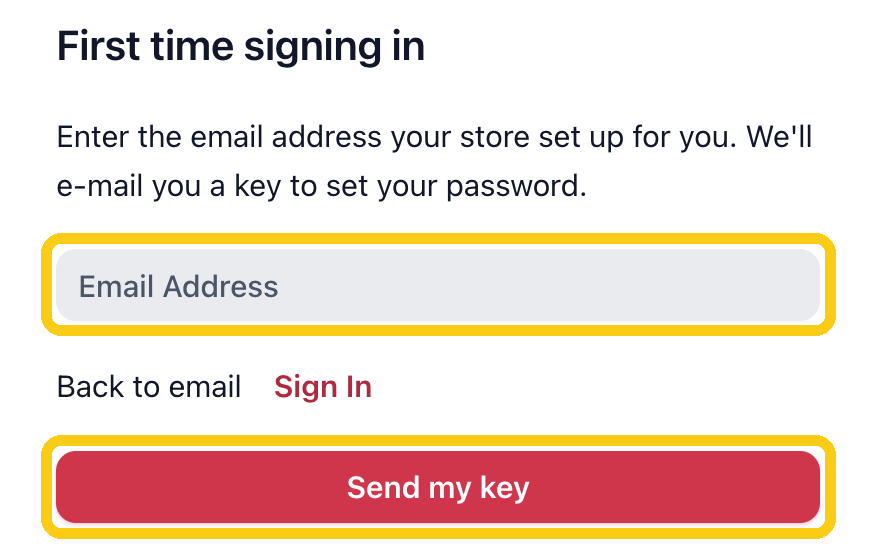
First time signing in?
Click First time user login? on the sign-in page. Type the email address your store set up for you, then click Send my key. We'll email you a key to set your password.
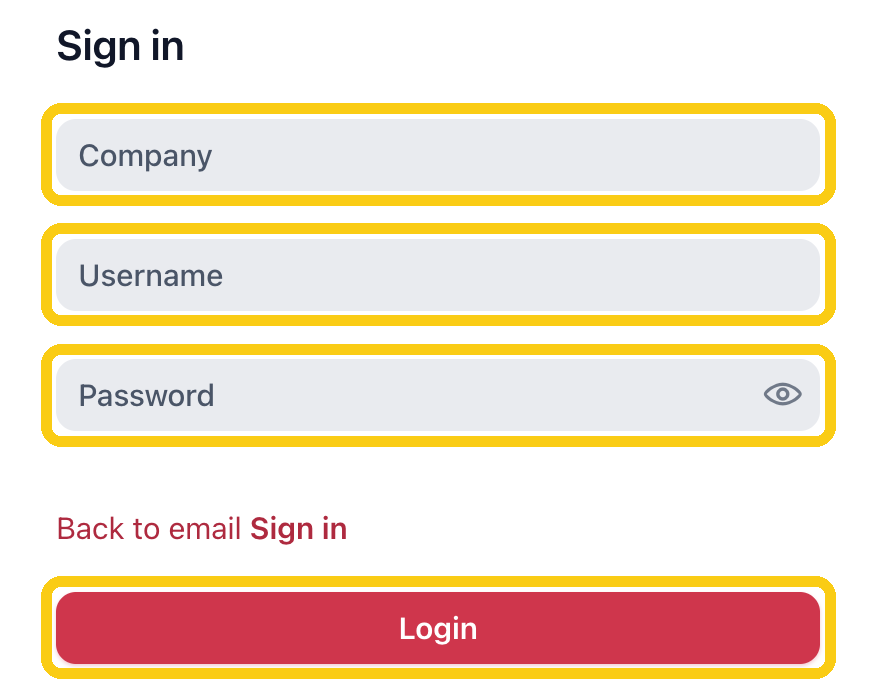
Signing in with a company login?
Click Use company login? on the sign-in page. Type your Company, Username and Password, then click Login. To go back, click Back to email Sign in.
Other links
Forgot password? Click it on the sign-in page if you can't remember your password.
Still can't get in? Chat with Rosebot on our website, consignorconnect.com, or email us at support@consignorconnect.com.